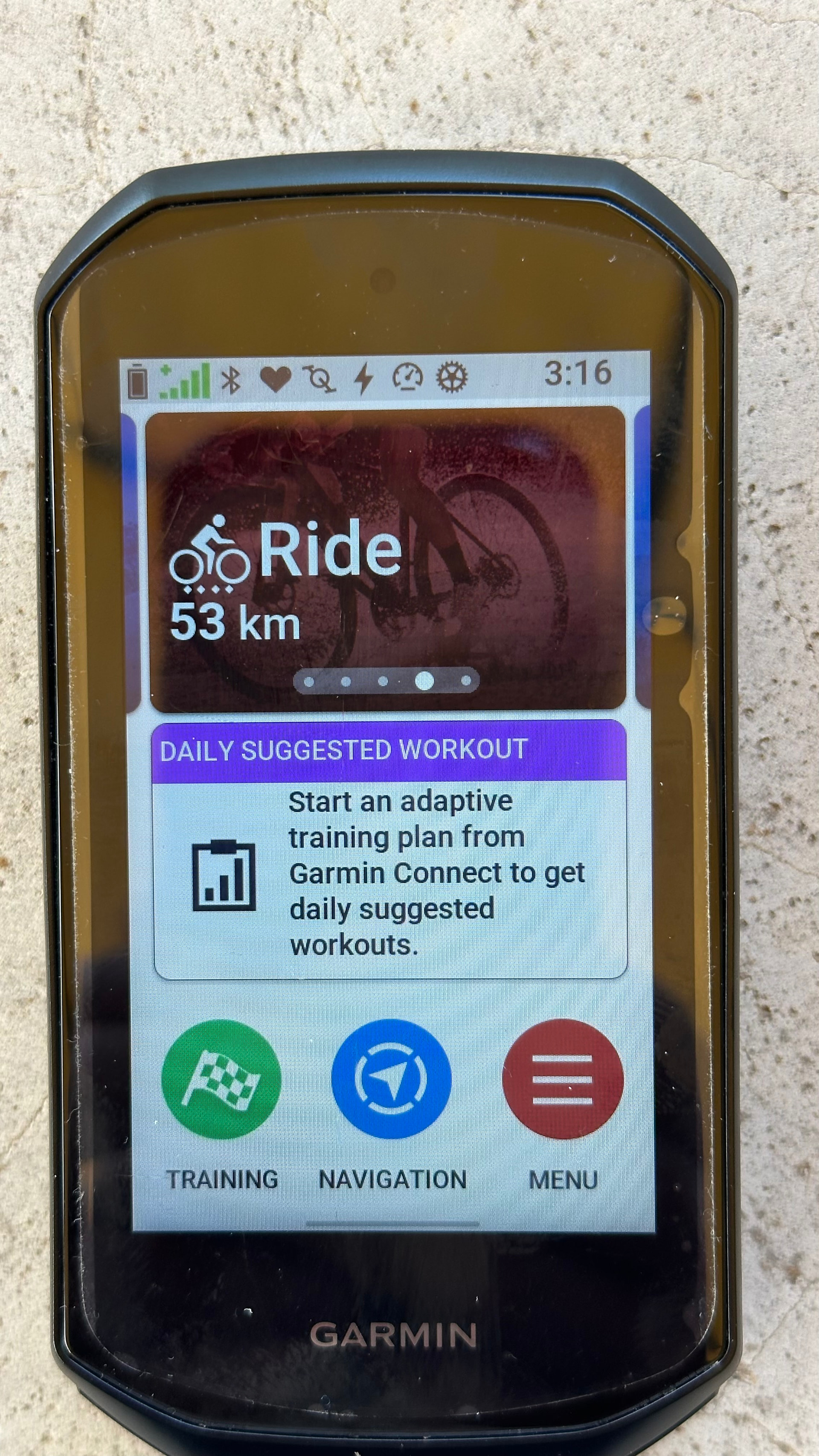
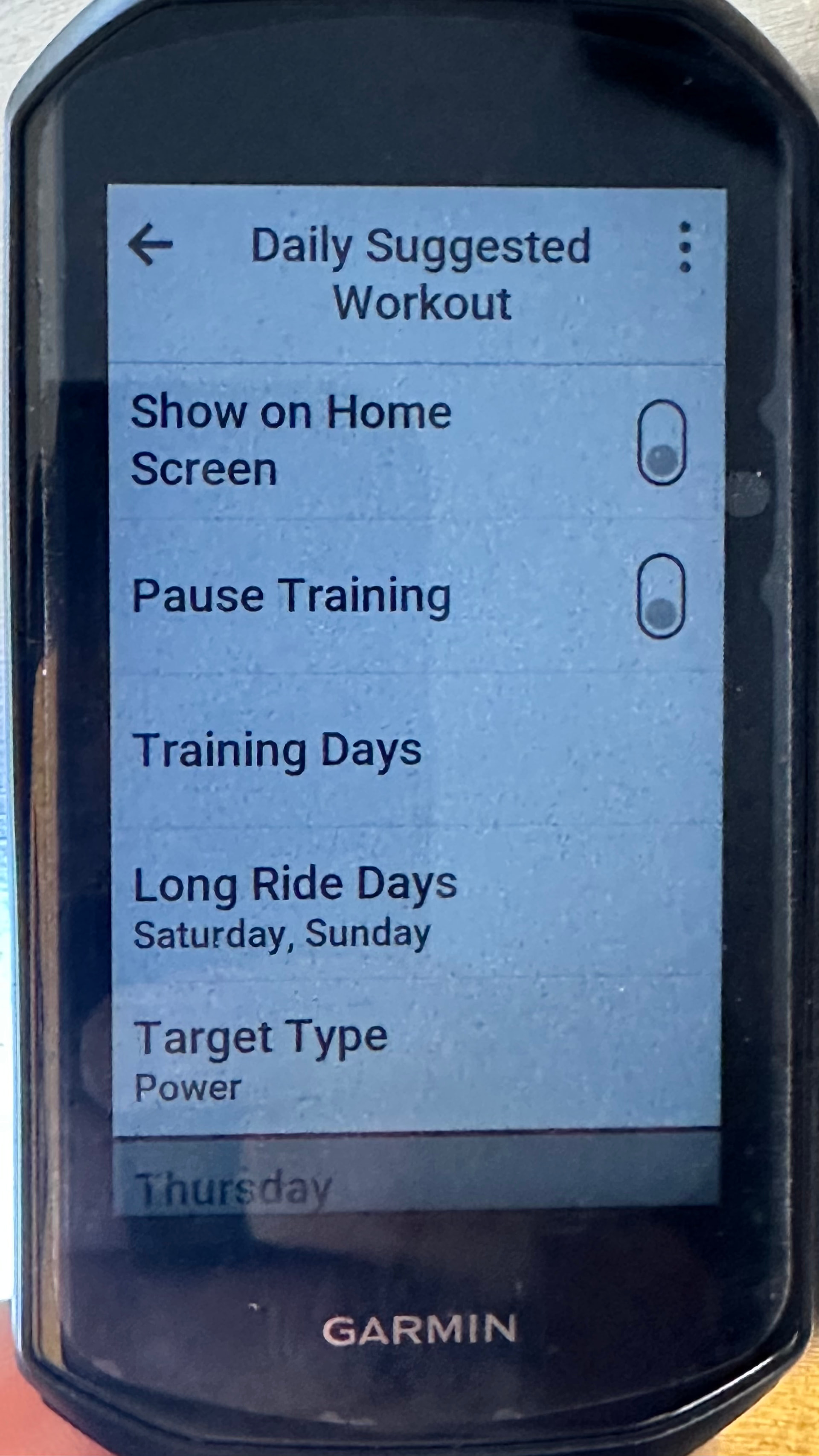
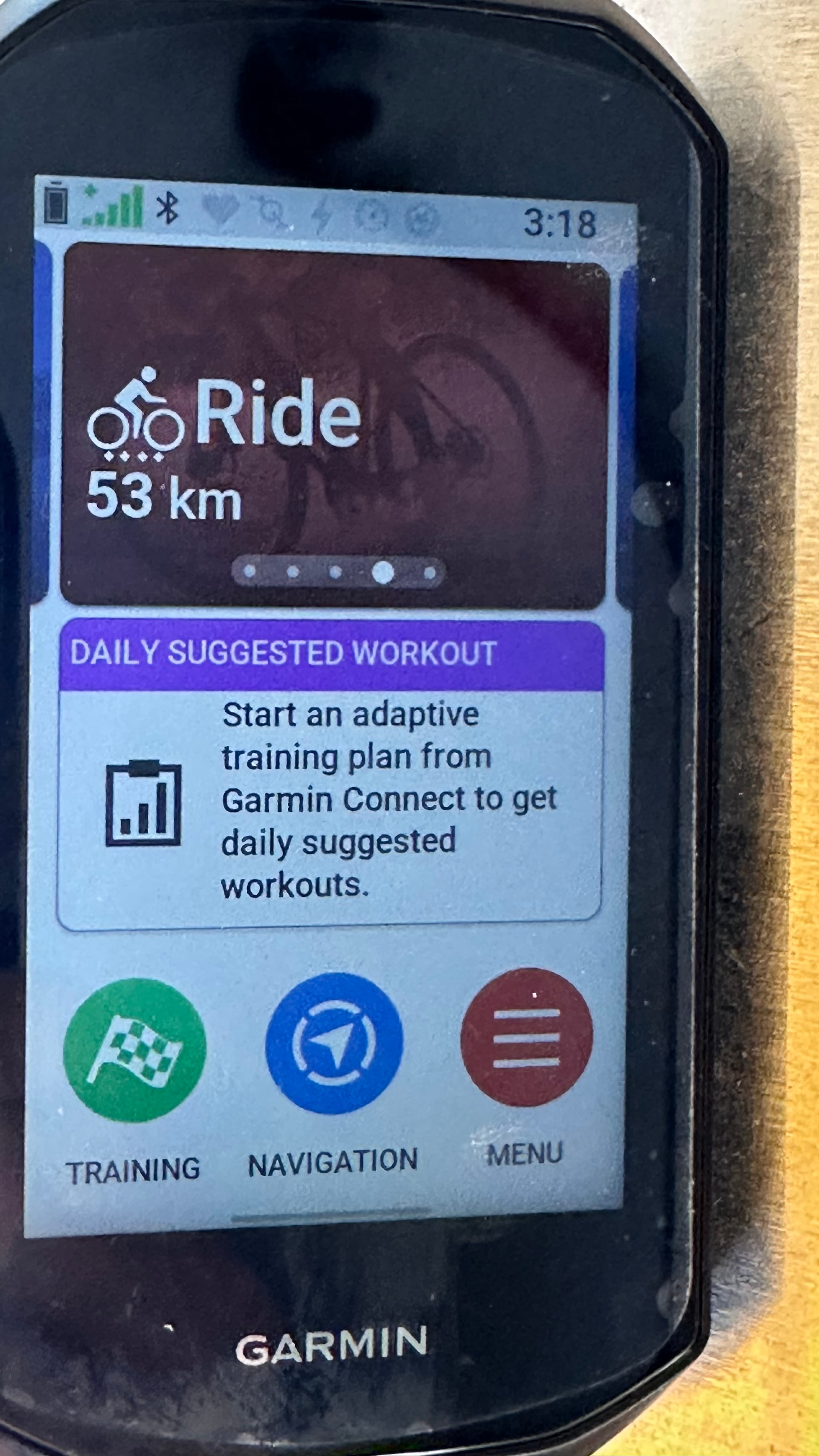
How come my damned Edge 1050 insists on showing the Daily Suggested Workout on the home screen when I have turned off that option months ago when I saw @GPLama’s helpful video that included removing this annoying “feature”.
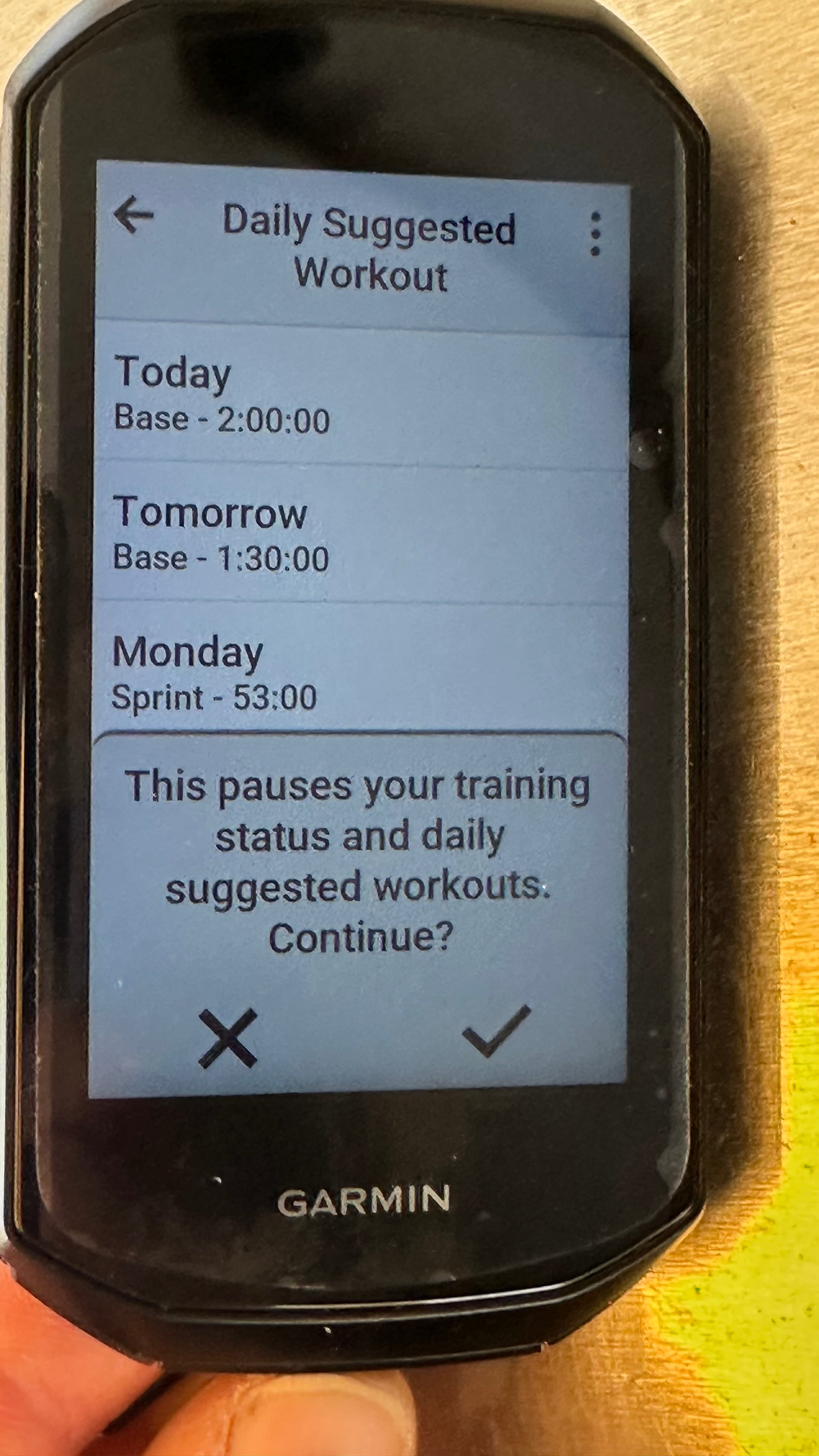
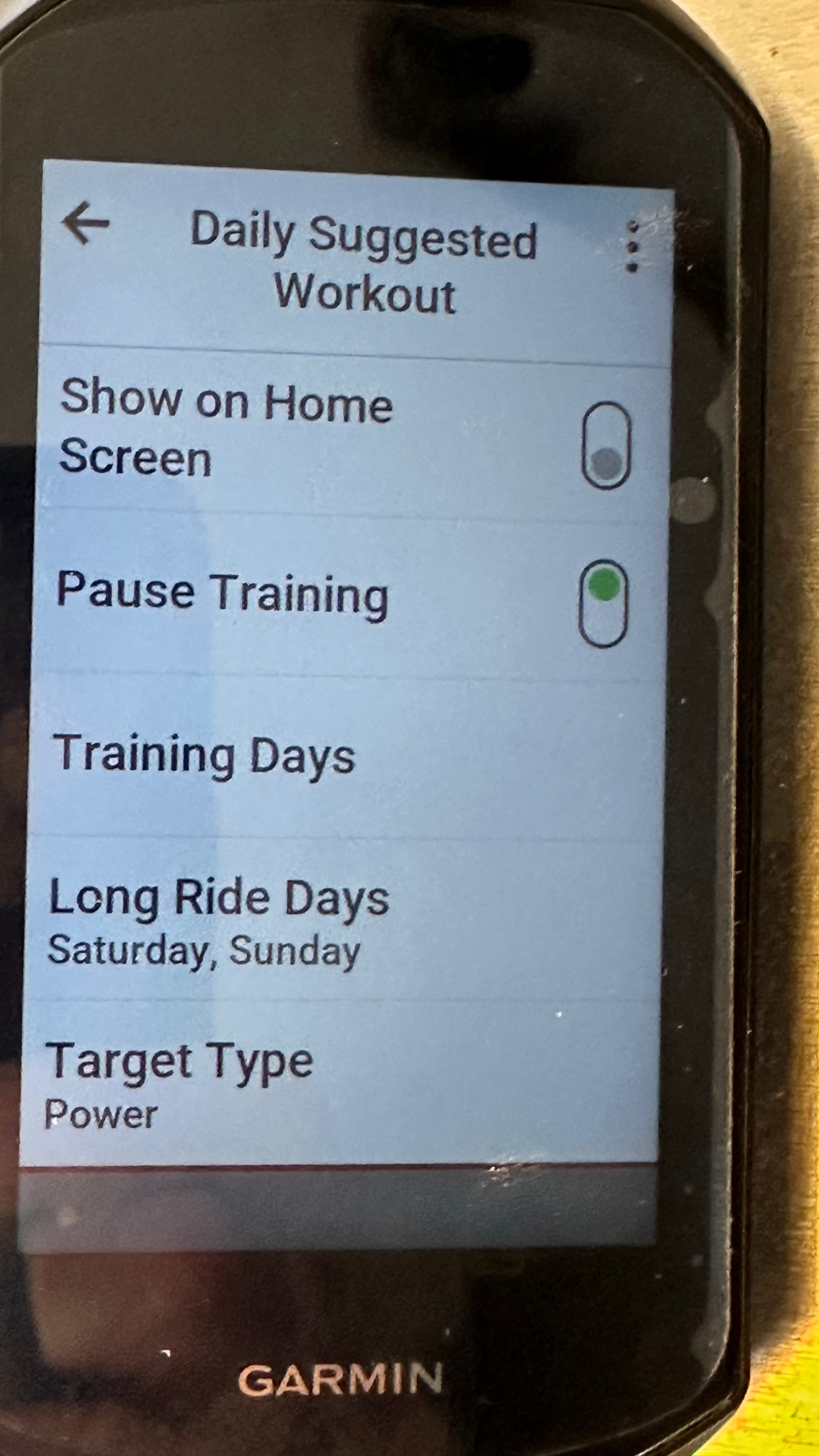
I tried again today, checking that the option was still turned off and also pausing trainin, in case that had any effect.
I have never used my Garmin for training. I have never trained as such for at least 10 years if I ever did train as such.
What have I missed?
@GPLama ?
The attached photos are taken in sequence to show the lack of effect that these settings are achieving..
Maybe the last comment in the this Garmin Forum post will help: Firmware 12.16: How do I disable daily workout suggestion on my home screen? - Edge 1050 - Cycling - Garmin Forums
If that doesn’t work, tag GPLama or DCRainmaker. Both are like Heimdall and guard the Garmin Bifröst.
Nope, thanks for trying but I’d already read that and that’s essentially what I’ve done as shown in my photos.
I’ve tried toggling training and Show on Home Screen repeatedly.
All I can think is that this dialogue isn’t actually showing a daily workout - it’s just suggesting I should set one up.??
Sometimes it has shown my recent rides but now I can’t get it to scroll sideways at all. Not a very dynamic Dynamic Area. 
1 Like
I just took it for a 100m walk and now it’s showing that as my last ride instead of the silly workout prompt. As far as I can see this is just a stupid Garmin controlled feature where they don’t show recent activities if I don’t use if for a week or so.
Tell me I’m wrong…
1 Like